Bazzite on a tablet and Asahi Linux on a Macbook Oh My!
/Hi there! Don’t worry, I’m still alive. I’ve had to move away yet again. From living in California for four years while working, to moving to Colorado for another four before relocating to Michigan, I’ve seen a good bit of the USA!
Today I’d like to talk about running Bazzite on a refurbished Minisforum V3 tablet I’ve received recently, as well as my adventures with Asahi Linux on an M1 Pro Macbook Pro that I’ve been testing every few weeks.
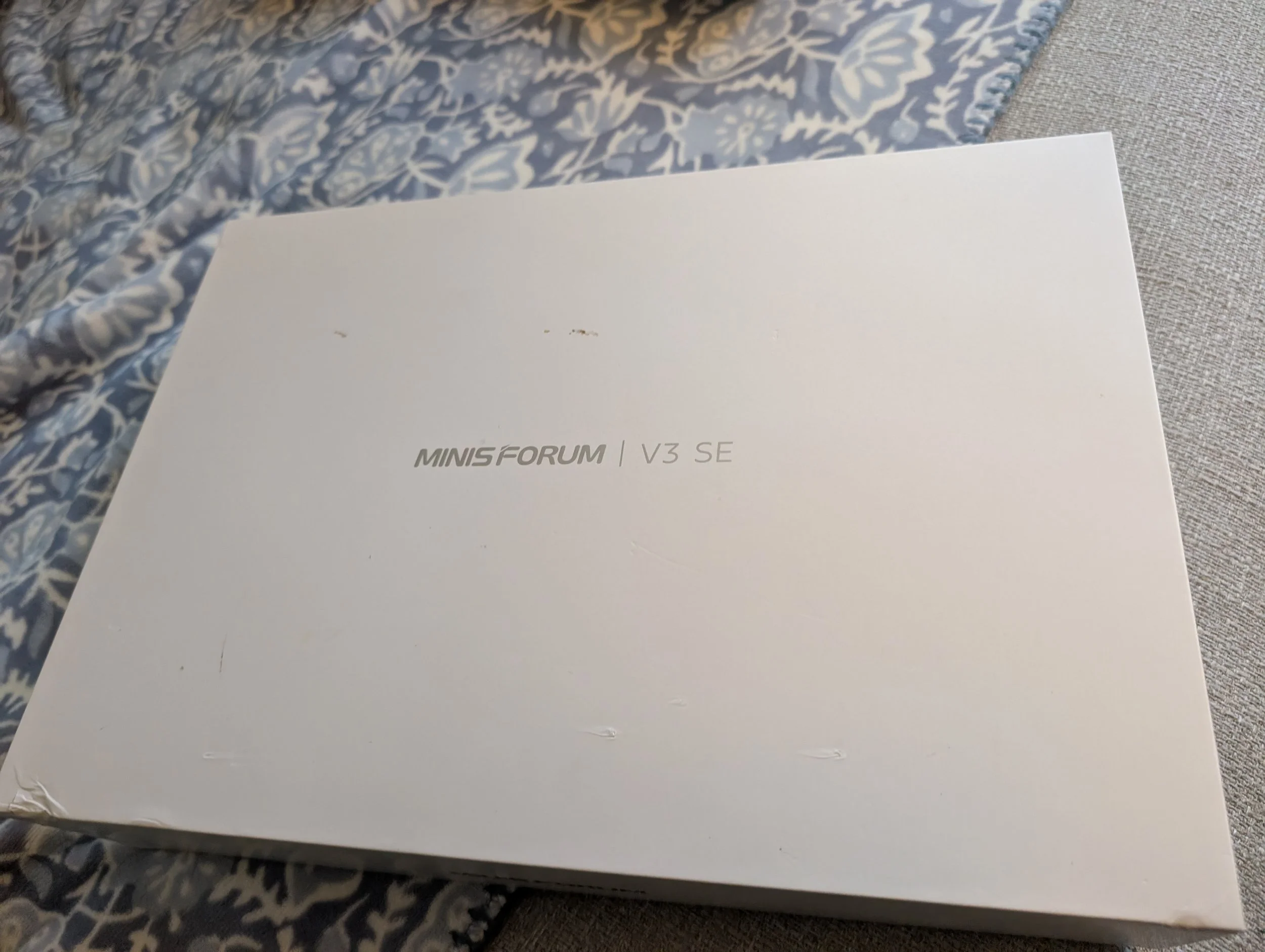
This here is the awesome Minisforum tablet! I love how thin it is and I think it’ll become my new multimedia device.
Looks like it came with a keyboard and kickstand attachment but no pen. I believe this refurbished model is known as the “Minisforum V3 standard” as I believe there is also an “SE” version.
Later in the evening I ended up getting Bazzite instaled. Turns out this guy shipped with a dead battery, which took me a little while to figure out. Charge first, install things later!
Bazzite has a “tips and tricks” section on their site that links to a github repo here, but it seems that no backlight control for the screen nor keyboard was functioning, and some odd graphical glitches would happen whenever I opened the power management menu or brightness controls from KDE’s lil bar duder. Might try pure Fedora Gnome on it next to see how things go, with maybe CachyOS after. Onwards!
On the Macbook Pro front, BLUE! I like Blue, per the keyboard cover. The flash drive was for prepping the Bazzite installer. This Macbook Pro has been in my possession for probably about a year now. Got it from a friend as they were selling off-lease equipment from a partner.
Anyway, good little bit of kit but it seems the 16GB unified memory can be a bit too small when both the cpu and gpu are fighting for it. I’m regularly using 80% or higher of the RAM just doing web things! May have needed to ask to see the higher spec models.
Sleep seems to work with some battery drain, and most steam games will crash due to memory limitations, but it’s definitely interesting to try Asahi on here. With the news that M2 and M3 chip Macbooks may be supported in the future, I might trade up to a quieter Macbook Air since it will mainly be utililzed for light web use and no gaming or rendering.
On another note, I’ve been going through my past hoard of tech gizmos and will be selling a bunch of things soon. Likely recycling the chromebooks I worked on in the past as well as selling any working and running systems on local marketplace apps soon.
This guy here was a ThinkCentre Chromebox from Lenovo that I eventually got Corebooted using this Chrultrabook guide and running Linux Mint. It was mainly a little smartphone flasher and chip programmer thin client, but it fulfilled its purpose prior to the move to Michigan. Now, it must go as I downsize!
As I’ve written in some previous posts, I’ll add a list of things I found interesting here. I know it’s been a while. I also have links throughout this post, so look for the slightly-different-colored words as you read.
The github repo filled with suggestions for Linux on the Minisforum V3/V3 SE tablet
Per Out of Spec BITs, the Tesla Oasis Supercharger is doing peak charging days with the power of the sun
A BC-250 repo for building or buying custom air or water cooled cases for building a cheap Steam Machine alternative exist
DammitJeff got a PS5 to act as a steam machine in disguise recently
I’ve been updating my current setup page with the sold/owned status of machines
Switch and Click built another cheap Steam Machine alternative
Sol Seeker is boating around the USA with only the sun as power